Navigation Basics
When first logging in you land on the Home page. Become familiar with BluSKY navigation and interfaces.
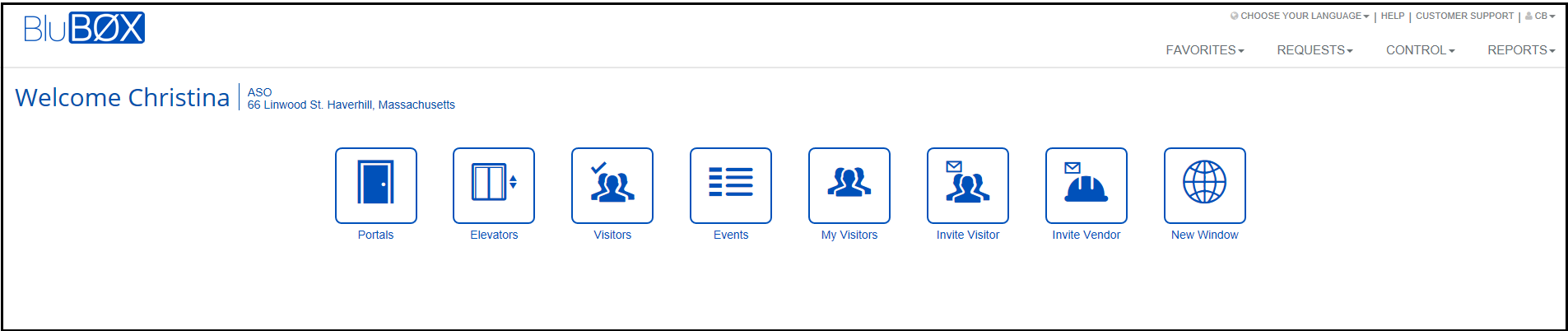
-
The “Favorites” buttons navigate to the most common security tasks. The buttons you see are based upon your permissions.
-
Page title.
-
The BluBØX logo always takes you back to the Home page.
-
Language selection.
-
Page level help. Select on any page.
-
Customer support information.
-
User information and log out.
-
“Favorites” menu provides navigation to the most common security tasks.
-
“Requests” menu provides navigation to guest and other types of requests.
-
Administration” menu provides navigation to day to day system administration tasks.
-
“Setup” menu provides navigation to system configurations and diagnostic tools.
-
“Control” menu provides navigation to real time system control, status, monitoring and processing.
-
“Reports” menu provides navigation to standard reports.
Commentary