September and October 2024 Summary
Overview
This BluSKY release brings a host of new features and improvements across various modules, enhancing usability, security and system performance.
 | Elevator Management System (Beta) BluSKY now allows users to replay elevator car movements and animations from any past date or time, improving operational visibility. The system also supports simultaneous event handling, ensuring accurate playback of multiple events in their correct sequence. The addition of a Playback Timeline makes it easier for users to select specific dates and times for data review, simplifying analysis and providing more control over elevator operations. | Screenshot 2024-10-10 at 12.24.03 PM.png |
 | Elevators (Beta) The Elevators (Beta) section is now accessible from the Control menu, making elevator management more intuitive. Users can view and manage devices associated with elevator cars through the newly integrated Device View, and expanded Elevator Car UDC controls now include Timer, Release, and Mode features, offering greater flexibility in managing floor portals and reader modes. | Screenshot 2024-10-10 at 12.25.26 PM.png |
 | Multi-Factor Authentication (MFA) This release introduces a dedicated Registration page for existing users to set up mobile numbers for MFA, select default floors, and enable DDE Auto Floor Assignment. Additionally, users can set up Two-Factor Authentication (2FA) and facial recognition for enhanced security. A Resend Code button has been added to streamline the authentication process, allowing users to quickly request new verification codes if needed. | Screenshot 2024-10-10 at 12.25.55 PM.png |
 | UDC Enhancements Several improvements have been made to the UDC (Unified Data Center) experience. Navigation now automatically returns to the original UDC page when the middle pane is cleared, and the event search function on the dashboard has been enhanced to allow filtering by system and facility. Saved Dashboard Views now persist across sessions with multiple dropped portals, and Beacons have been added to the Left Navigation for quicker access. | Screenshot 2024-10-10 at 12.26.22 PM.png |
 | Interactive Maps Update Significant updates to the Interactive Maps module include new icon displays for event categories and device information, and a risk icon overlay in the events UDC header to indicate alarm priority and provide instructions. The Person Reader and Intercoms have been integrated into Interactive Maps, enabling users to easily retrieve locations and improve situational awareness. | Screenshot 2024-10-10 at 12.26.59 PM.png |
| UDC Page Enhancements Users can now add the Person Reader and Intercoms to the right-side Devices tab on the UDC page, enhancing both accessibility and functionality for security management. | Screenshot 2024-10-10 at 12.28.24 PM.png |
 | Camera Configuration Updates A timezone field has been added to the Camera Configuration Page under Recorder Settings, ensuring accurate time settings for recordings. Additionally, the NTP (Network Time Protocol) status of the recorder is now visible on the Recorder Configuration page, improving system monitoring capabilities. | Screenshot 2024-10-10 at 12.27.29 PM.png |
| Maps and Location Improvements The Person Reader and Intercom devices have been added to the Maps and Locations page, enhancing functionality and allowing for more efficient tracking and management of people and communication systems within the facility. | Screenshot 2024-10-10 at 12.28.54 PM.png |
 | AI Controller Diagnostics (Alpha) A new AI Controller Diagnostics - Alpha page has been introduced under the Diagnostics section, providing users with advanced tools to monitor and manage AI controller configurations. The page includes "Delete All," "Sync Triggers," and "Sync All" buttons, enabling users to delete all configurations or synchronize settings manually or in bulk, ensuring AI systems are always up to date. | Screenshot 2024-10-10 at 12.29.35 PM.png |
 | SCIM Configuration (System for Cross-domain Identity Management) A new SCIM Configuration Interface has been added under the Administration menu, allowing customers to manage identity information across multiple domains efficiently. This feature integrates with Active Directory, enabling seamless data transfer to the BluSKY database for streamlined identity management. Users can create, edit, and delete SCIM configurations via dedicated pages, and a SCIM Permission Service regulates access, ensuring security by allowing only authorized users to make changes. | Screenshot 2024-10-10 at 12.30.03 PM.png |
 | Visitor Invitation To improve compatibility with modern email domains, the Guest Email field now accepts domain name extensions longer than four characters, expanding support for visitor invitations. | 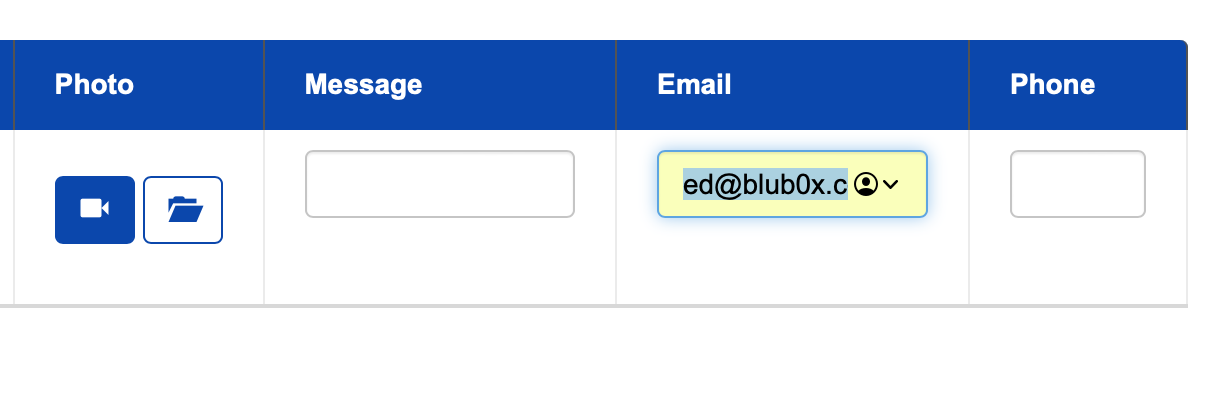 |
This release introduces major functional enhancements across elevator management, security features, and system diagnostics, offering users a more efficient and secure experience with BluSKY.
Click to read full release notes > https://knowledge.blub0x.com/Releases/Year/Software_Updates_2024/September__October_2024