BluBØX AI iOS App v1.0.8
What's New in v1.0.8
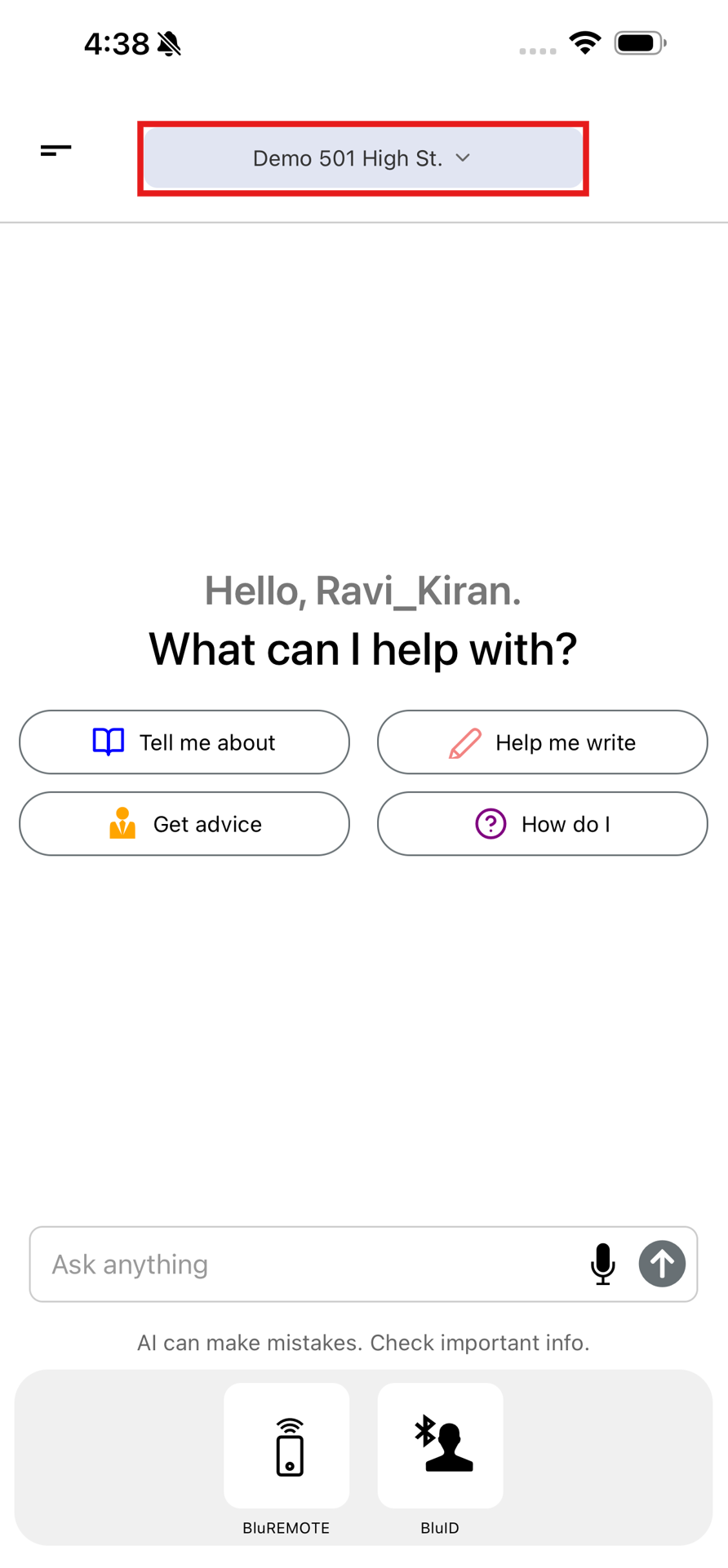
a. Facility Selection Filter
i. Added a facility/building selection filter that allows users to quickly switch between available buildings and retrieve facility-specific information more efficiently.
b. Quick Prompt Actions
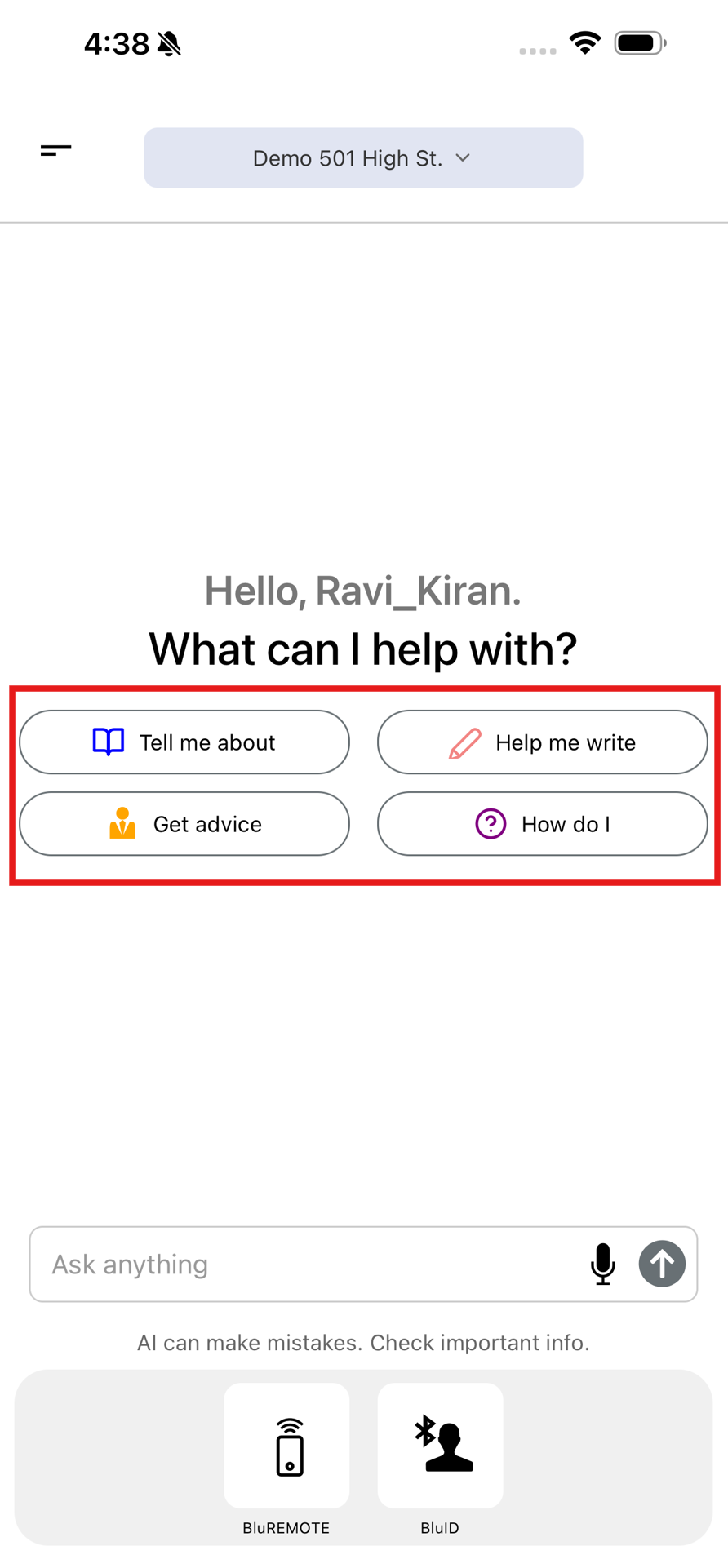
i. Introduced new quick-action buttons to help users interact with the AI faster:
- Tell Me About
- Help Me Write
- Get Advice
- How Do I
ii. These shortcuts provide a faster and more intuitive way to start common AI conversations.
c. Improved New Chat Access
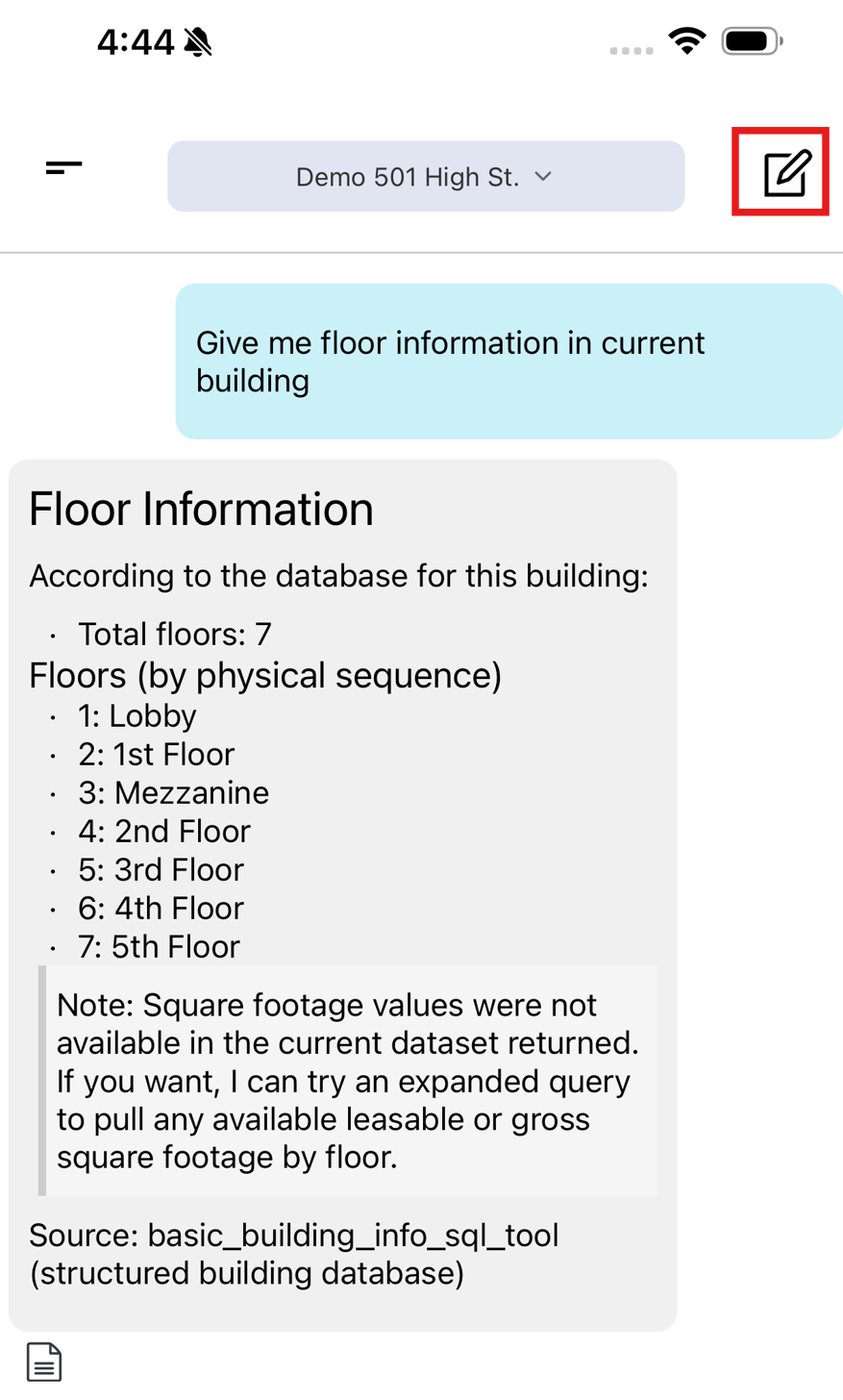
i. The New Chat button has been relocated to the top-right corner next to the facility selection dropdown, providing easier access and improving overall navigation.
d. Facility Scope Change Confirmation
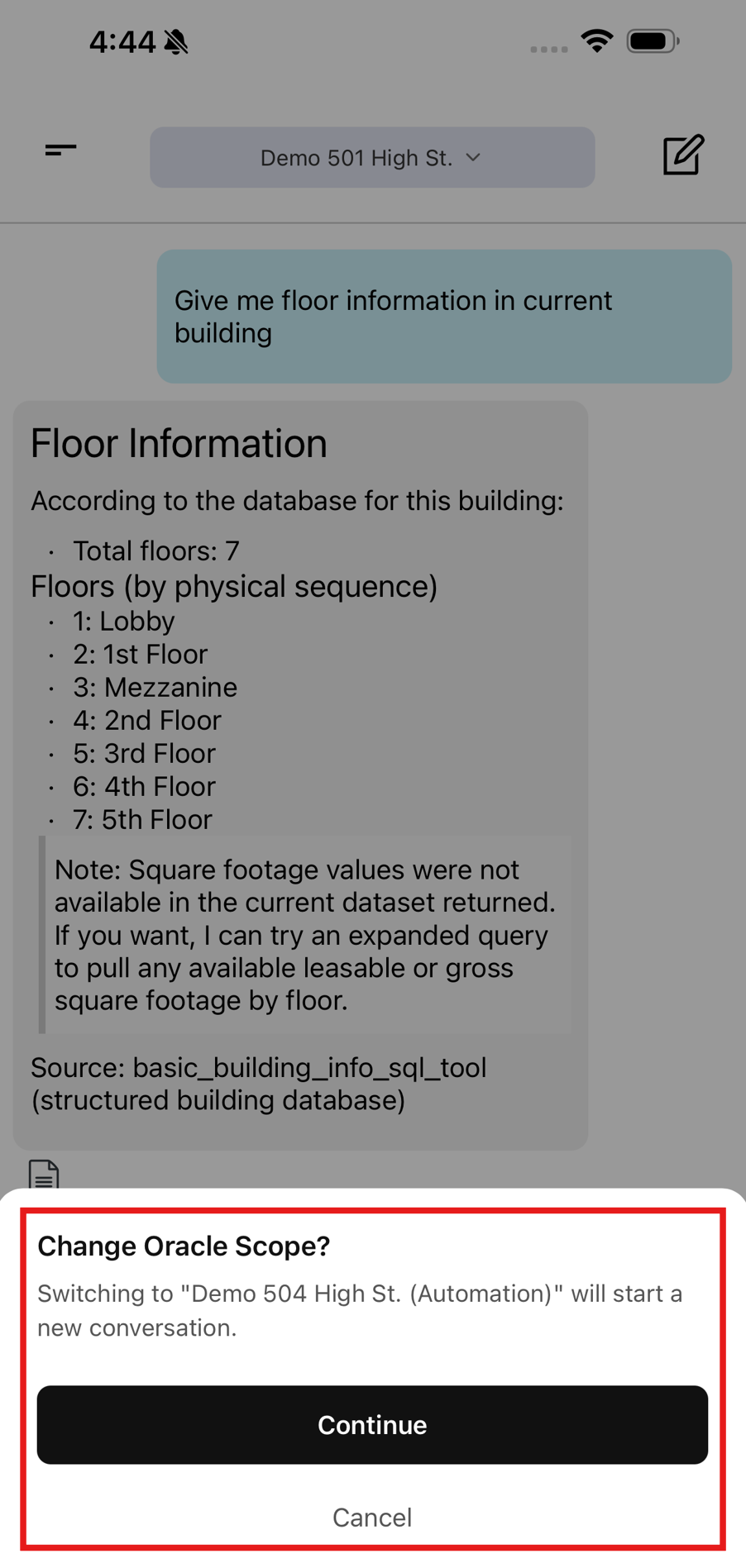
i. Implemented a new confirmation dialog when switching between facilities.
ii. When a user selects a different facility, a "Change Oracle Scope?" confirmation popup is displayed, informing the user that switching facilities will start a new conversation and change the AI context.