Data Lake Token Management
Data Lake Token Management
Screen Overview
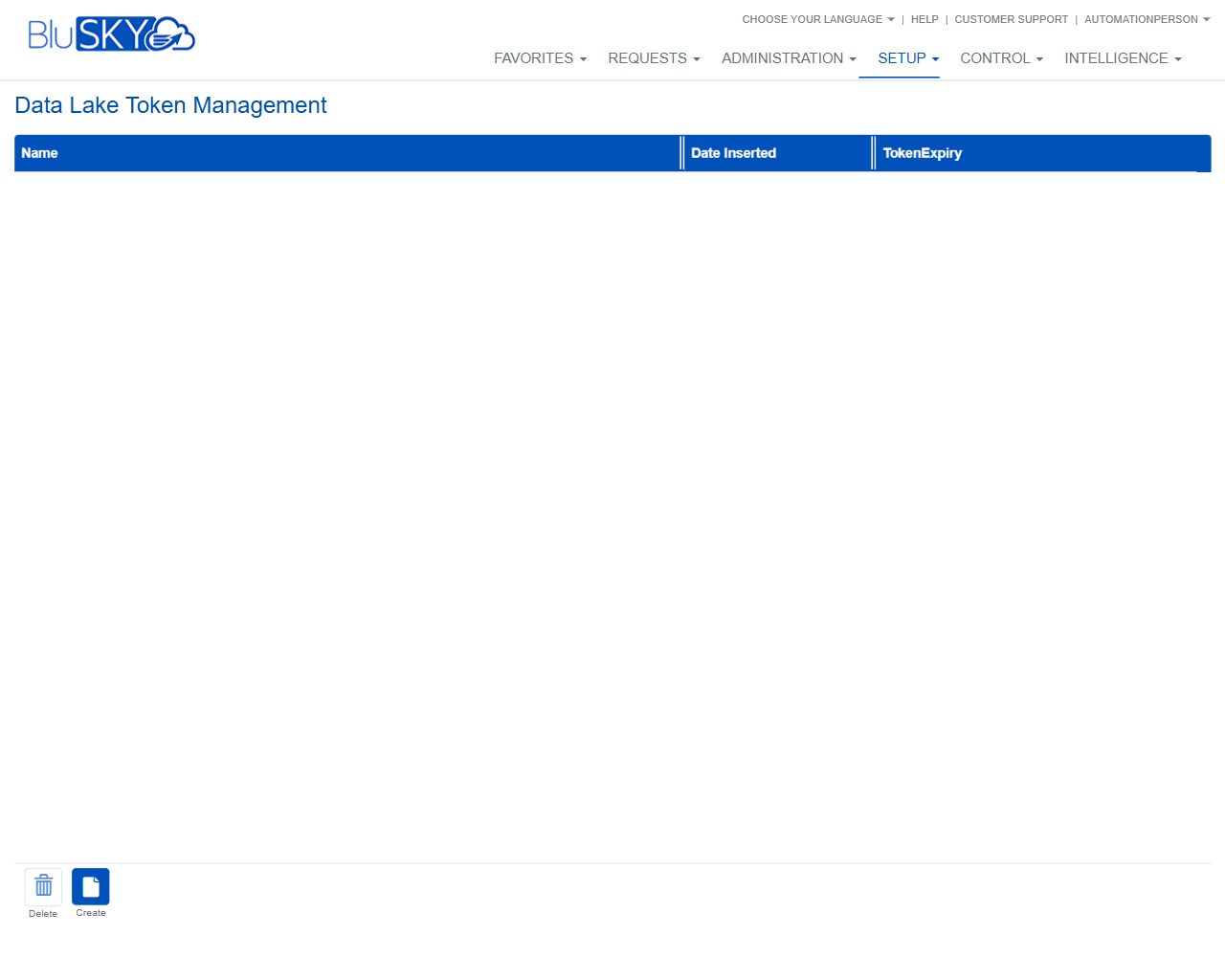
The Data Lake Token Management screen allows administrators to create and manage tokens used by integrations to access BluSKY Data Lake services. The grid lists each token with its creation date and expiration, and provides actions to create or delete tokens.
Field Definitions
| Field Label | Definition | Notes |
|---|---|---|
| Name | Friendly label that identifies the token. | Required. Used to distinguish tokens. |
| Date Inserted | The date and time the token was created. | Read-only, system-generated. |
| TokenExpiry | The date and time when the token becomes invalid. | Read-only in list. Expired tokens won’t work. |
Screen Actions and Functions
- Create – Opens a form to generate a new Data Lake token.
- Delete – Removes the selected token and immediately revokes its use.
- Row Select – Click a row to select a token for actions.
Usage Instructions & Examples
How to Create a New Token
- Click Create.
- Enter a Name and set an expiration date/time if prompted.
- Save to generate the token.
- If the token value is displayed, copy and store it securely for your integration.
How to Delete a Token
- Click the row of the token you want to remove.
- Click Delete.
- Confirm the deletion. The token is revoked immediately.
How to Check Upcoming Expirations
- Review the TokenExpiry column in the list.
- Recreate or rotate any token that is nearing expiration to avoid integration downtime.
System Behaviors and Edge Cases
- The list may be empty if no tokens have been created.
- Deleting a token immediately revokes access for any integration using it.
- Tokens cannot be used after the TokenExpiry time; integrations will fail authorization until updated with a valid token.
- Date Inserted and TokenExpiry are system-generated values and not editable from the list.
- Depending on configuration, the raw token value may only be shown once during creation; it cannot be retrieved later if not saved.
Permissions
- Access typically restricted to administrative roles with Setup privileges.
- Create and Delete actions require specific permission to manage Data Lake tokens (e.g., ManageDataLakeTokens).
- Users without edit permission can view token metadata but cannot create or delete tokens.
Linked Workflows
- Provide the created token to external reporting or ETL tools that connect to BluSKY Data Lake endpoints.
- Establish token rotation procedures to replace tokens before TokenExpiry.
- Reconfigure affected integrations after deleting or rotating a token.
Reference Image Links